Git: A Time Machine for Code
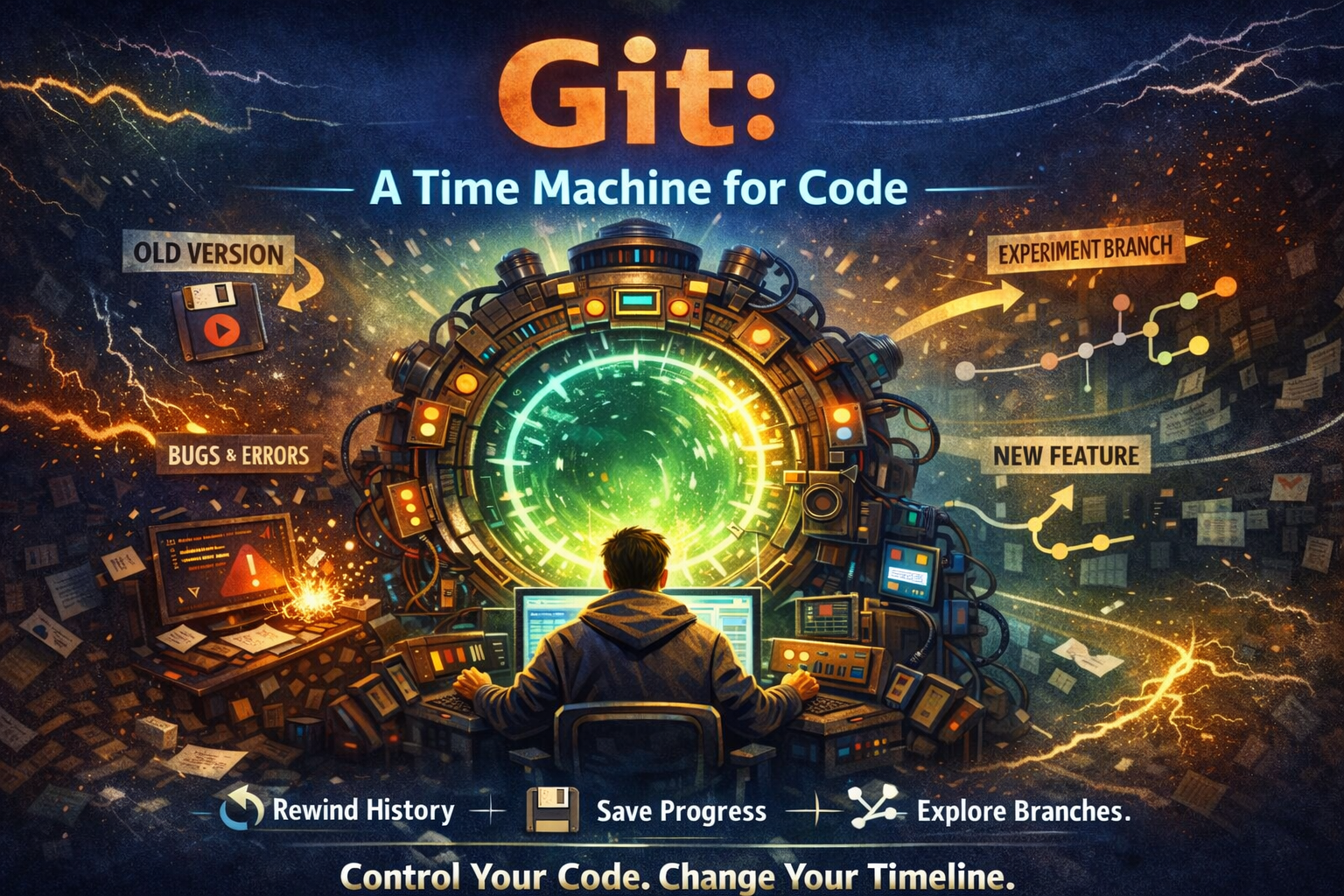
Imagine This…
You’re a developer trapped in a time loop.
Every time you write code:
Sometimes it works.
Sometimes it breaks everything.
Sometimes you don’t even remember what you changed.
Wouldn’t it be amazing if you could:
Save your progress at any moment?
Go back in time when things break?
Explore alternate timelines without destroying the main one?
That’s exactly what Git does — not for people, but for code.
Before Git existed, developers didn’t have this power. Let’s understand why Git exists, what it is, and how to use it—in the simplest way possible.
Why Version Control Exists
Before Git, developers lived dangerously.
Typical workflow looked like this:
project/
 ├─ final/
 ├─ final_v2/
 ├─ final_latest/
 ├─ please_work_this_time/
Problems everywhere:
Files overwritten accidentally
No history of changes
No way to collaborate safely
Fear of touching working code
One mistake = hours of lost work.
Developers needed a time machine for code.
That’s where Git comes in.
What Is Git?
Simple definition:
Git is a distributed version control system that tracks changes in code, allows collaboration, and maintains a complete history of your project.
In our analogy:
Git = Time machine
Your project = Timeline
Each saved change = Checkpoint
Git doesn’t just store files.
It stores how your code evolved over time.
Why Git Is Used
Git helps you:
Track every change
Go back to any previous version
Collaborate without overwriting work
Experiment safely
Understand who changed what and why
Without Git, development is risky.
With Git, development is controlled and confident.
Core Git Concepts
Let’s map Git concepts to the time-loop story
📁 Repository
A repository is your project’s universe.
It contains:
Your code
The entire history of changes
git init
This command creates the time machine.
Commit
A commit is a save point.
It records:
What changed
When it changed
Why it changed
git commit -m "Added login feature"
Think of it as:
“Save game before boss fight.”
Branch
A branch is an alternate timeline.
You can:
Try new ideas
Experiment freely
Not break the main code
Main branch = main timeline
Other branches = parallel universes
HEAD
HEAD tells you:
“Where am I right now in the timeline?”
It points to your current commit.
Git Workflow
Let’s see how a real developer uses Git.
1️⃣ Initialize Git
git init
2️⃣ Check Status
git status
Shows:
Modified files
Staged files
Untracked files
3️⃣ Add Changes (Staging Area)
git add .
This means:
“These are the changes I want to save.”
4️⃣ Commit Changes
git commit -m "Initial project setup"
You’ve created a save point!
5️⃣ View History
git log
You can now see:
Past commits
Messages
Timeline of your project
Undoing Mistakes (Time Travel Powers)
🔁 git revert (Safe Undo)
git revert <commit-id>
Creates a new commit
Doesn’t erase history
Safe for teams
Think:
“Undo, but keep record.”
⚠️ git reset --hard (Dangerous)
git reset --hard <commit-id>
Deletes commits permanently
No recovery
Use carefully
Think:
“Destroy this timeline completely.”
Git’s Internal Flow (Important Diagram)
Working Directory → Staging Area → Repository
Working Directory: You write code
Staging Area: Select what to save
Repository: Saved history
This is Git’s core design.
Why Git Is a Game-Changer
Without Git:
Fear of breaking code
No collaboration confidence
Messy project history
With Git:
Confidence
Clean history
Safe experimentation
Team collaboration
Git didn’t just improve development —
it changed how software is built.
Final Thoughts
Git is not just a tool.
It’s a mindset.
Once you understand Git:
You stop fearing mistakes
You start experimenting
You grow faster as a developer
If you think of Git as a time machine for code,
you’ll never forget how it works.


